About this Service
Service Overview
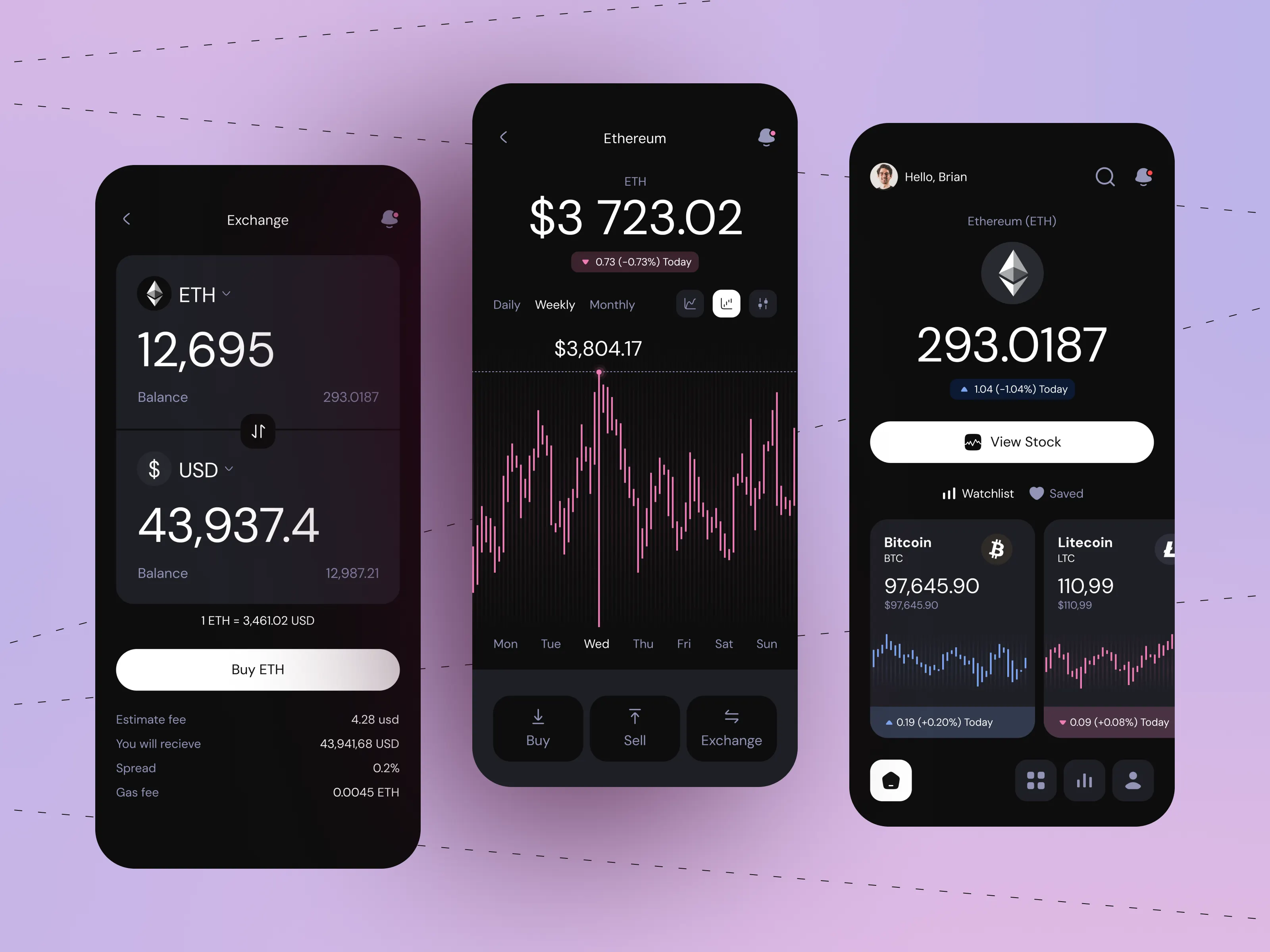
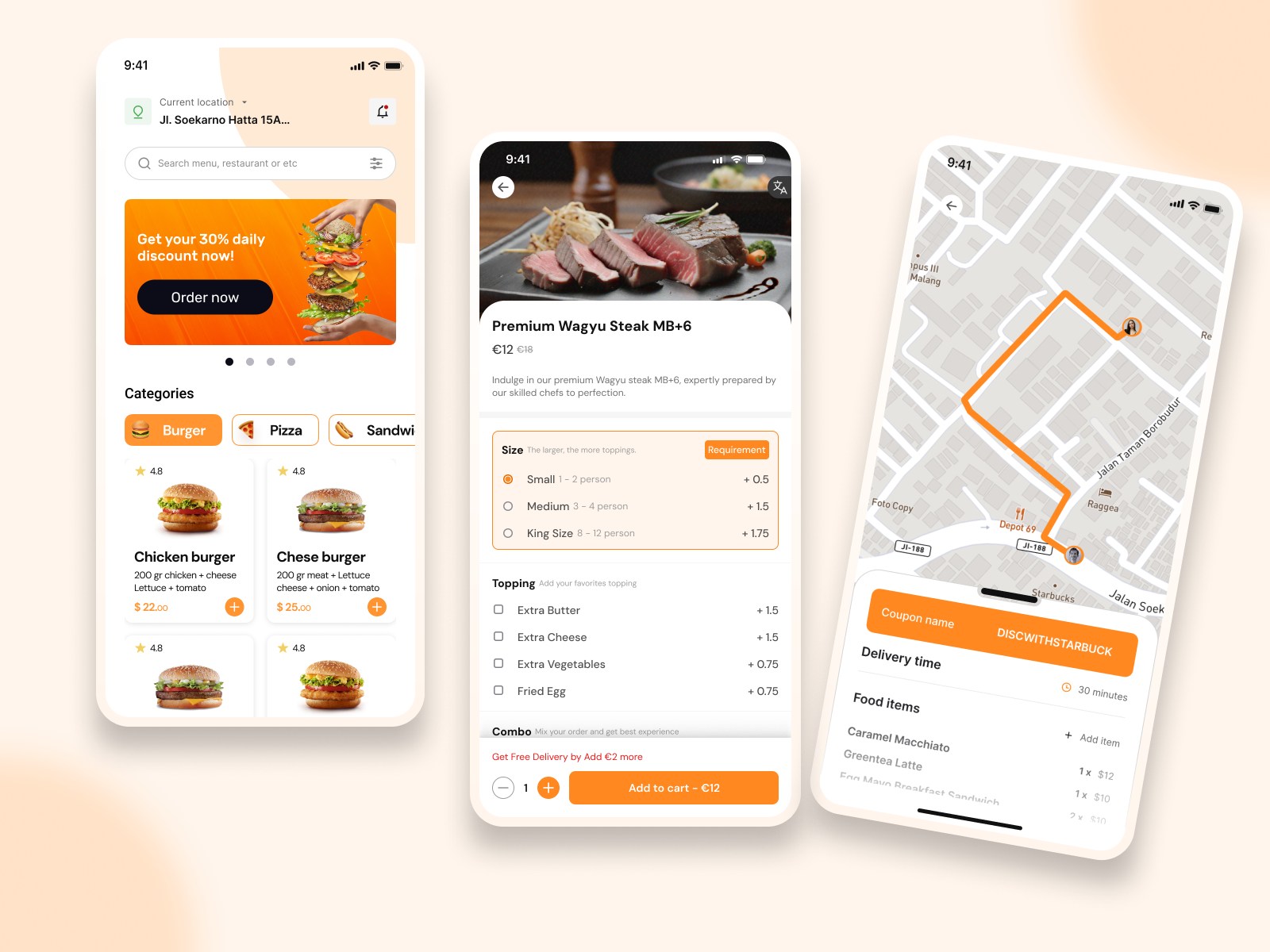
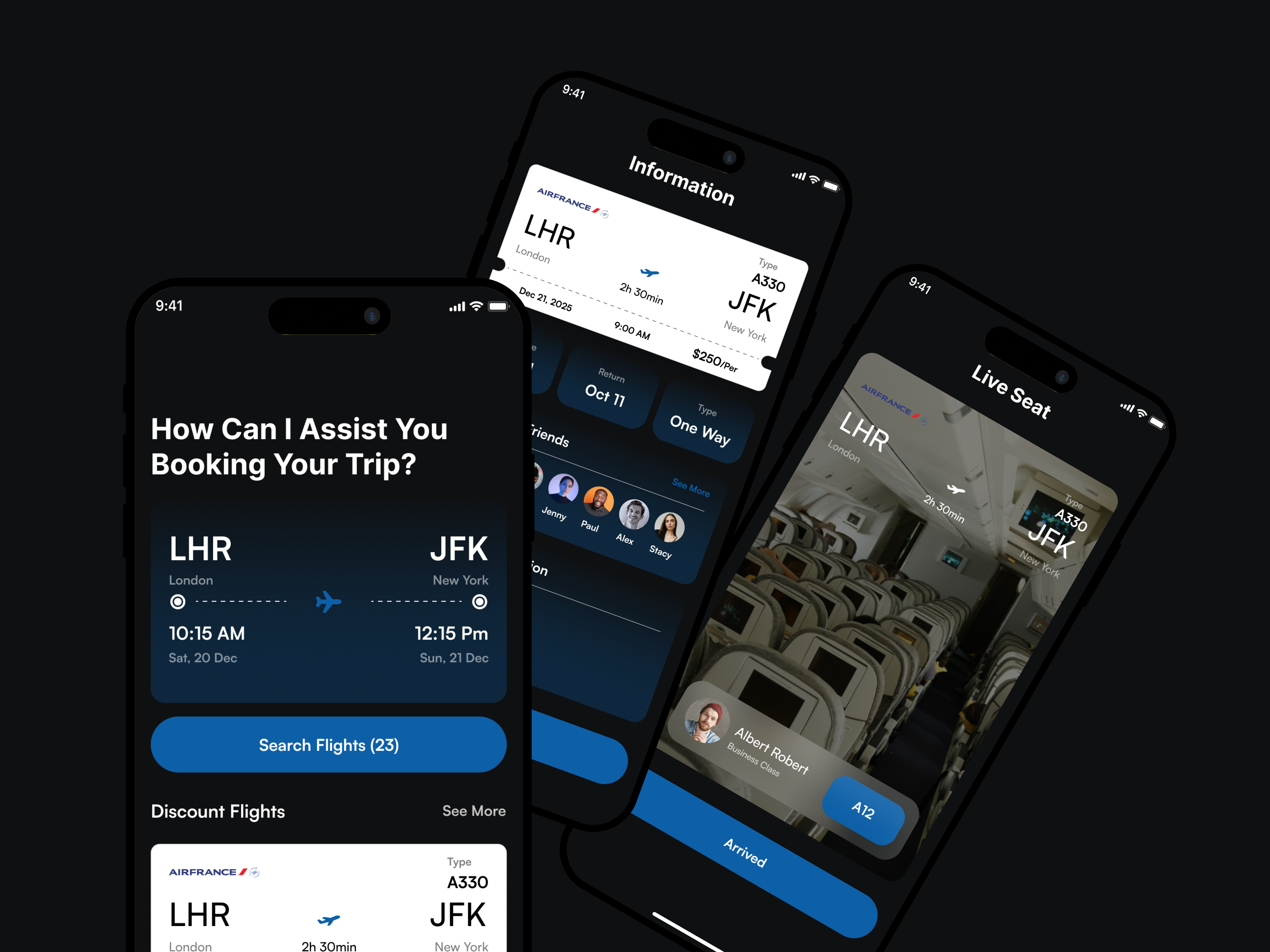
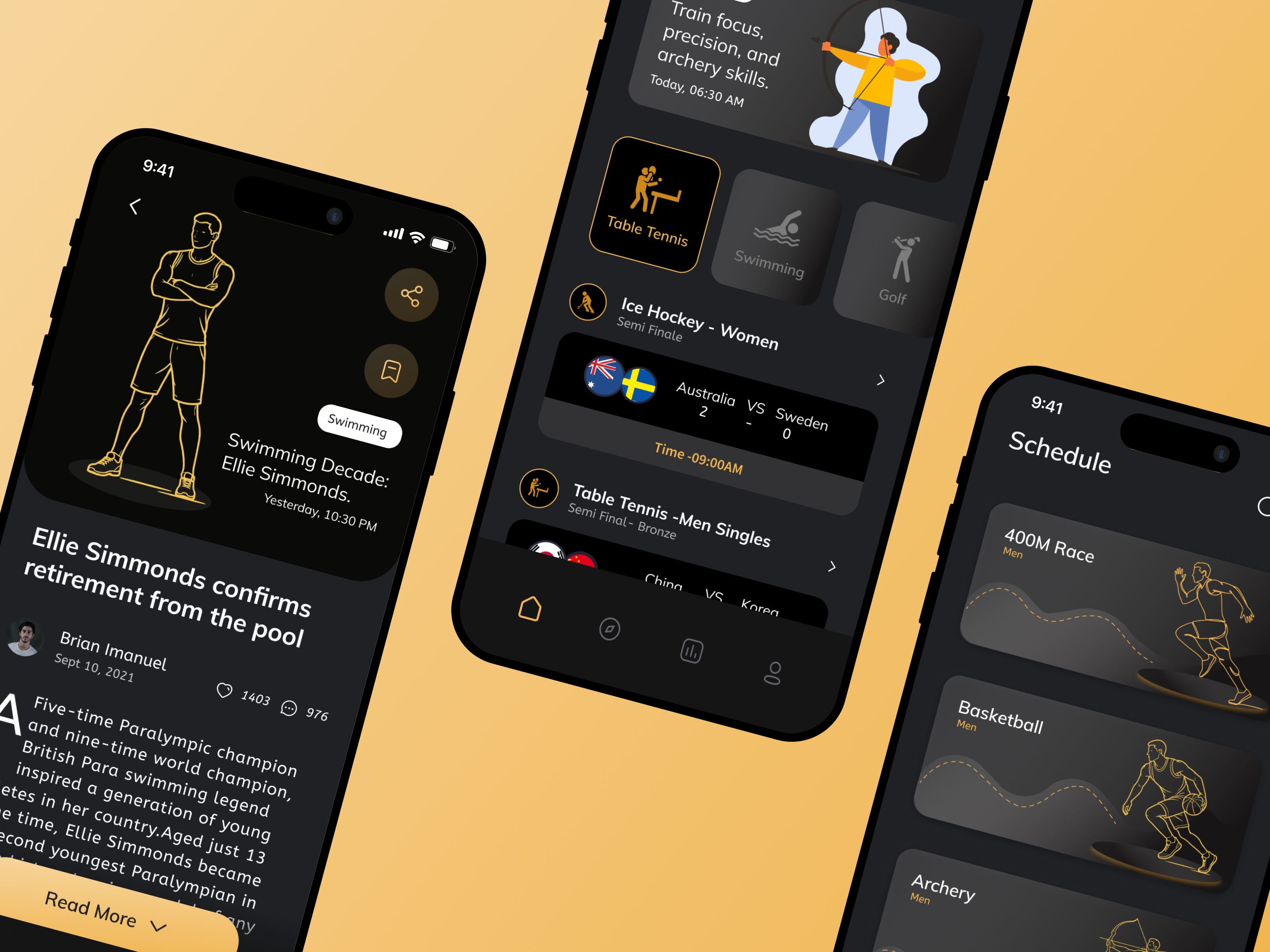
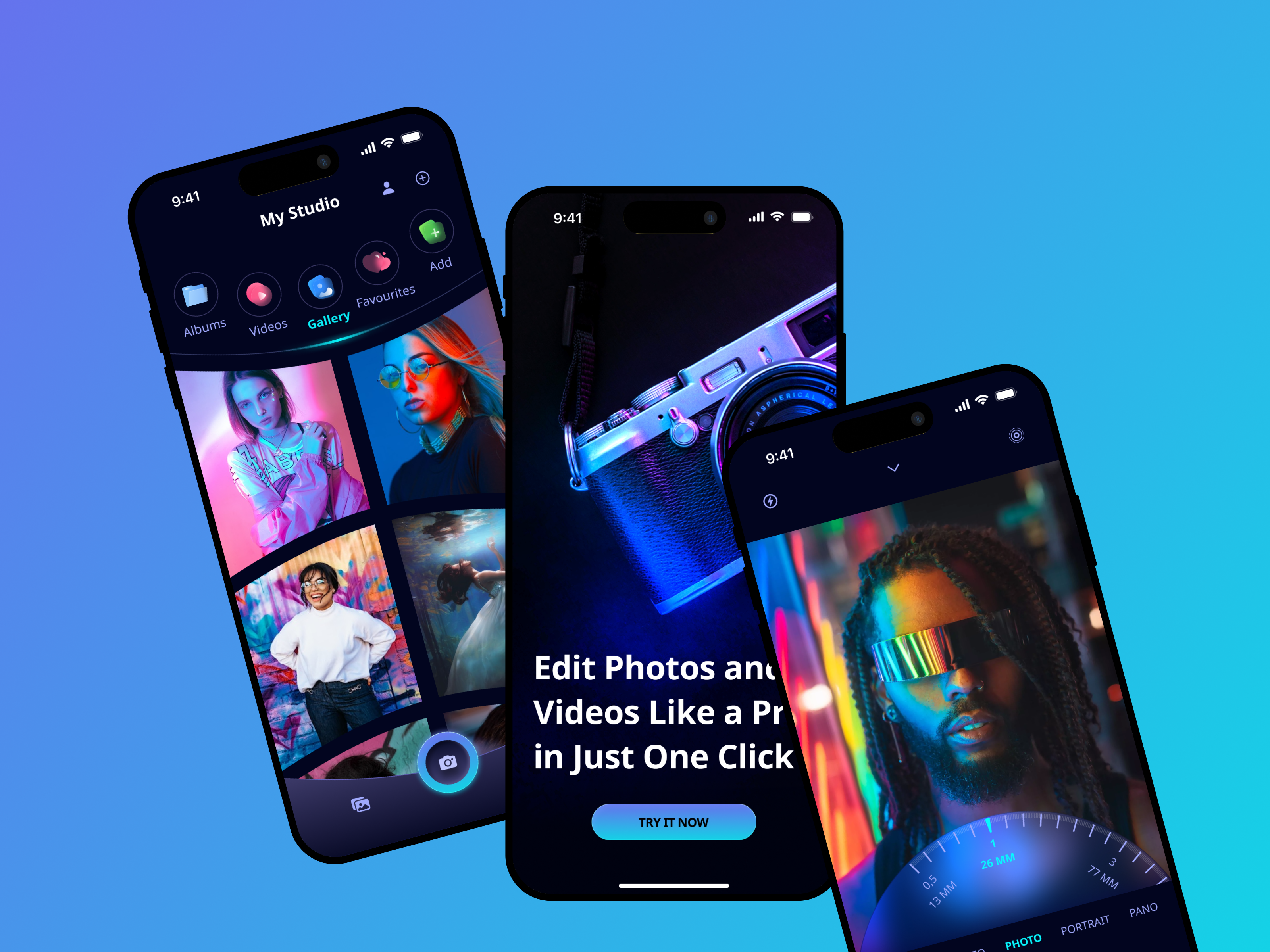
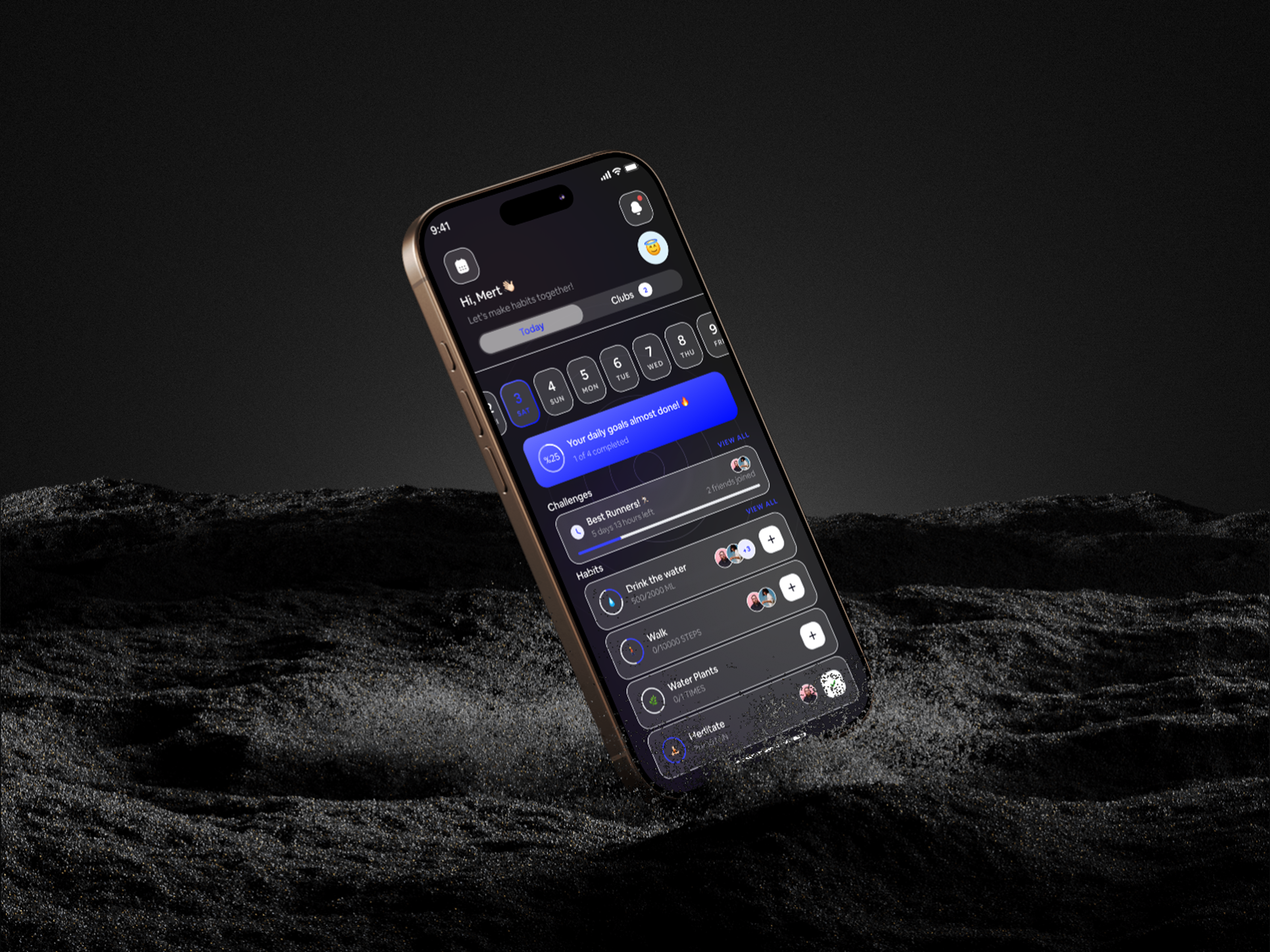
Mobile App UI/UX Design is a design-only, product-focused service dedicated to crafting intuitive, visually refined, and platform-aware mobile experiences for iOS and Android applications.
This service is ideal when design quality, usability, and clarity are the primary priorities — whether you already have a development team or plan to build later.
We design mobile apps that:
Feel native to each platform
Communicate value instantly
Reduce friction in critical user flows
Scale visually as features grow
Our focus is not just how the app looks — but how it behaves, guides, and feels in real usage.
Who This Service Is For
Startups preparing mobile designs before development
SaaS companies extending products to mobile
Founders validating mobile user experience
Teams redesigning or modernizing existing apps
Companies with in-house or external development teams
This service is ideal when:
You want best-in-class mobile UX
Platform guidelines matter (iOS & Android)
Design handoff must be precise and developer-ready
Visual polish is critical to brand perception
Mobile-First Design Philosophy
📱 Platform Awareness
We design with deep respect for:
iOS Human Interface Guidelines
Android Material Design principles
Navigation, gestures, spacing, and interaction patterns are adapted so the app feels native, not generic.
🎯 Task-Driven UX
Each app is designed around:
Clear primary actions
Predictable navigation
Minimal cognitive load
Fast comprehension for first-time users
✨ Visual Precision
We apply:
Strong typography hierarchy
Balanced spacing and rhythm
Consistent iconography and components
Polished micro-interactions
Design decisions are intentional, not decorative.
Team Involvement & Roles
Each mobile design engagement is led by a senior, design-focused team:
Product / UX DesignerOwns user flows, interaction logic, usability, and overall experience quality.
Mobile UI DesignerCrafts high-fidelity iOS & Android interfaces with attention to visual detail.
Design System SpecialistEnsures component consistency, scalability, and alignment with brand systems.
Product Manager (Design-Side)Aligns design scope, priorities, and milestones with product goals.
QA / Design ReviewerReviews edge cases, states, and platform consistency before handoff.
Mobile UI/UX Design Lifecycle
Phase 1 — Product & UX Alignment
We begin by understanding what the app must achieve.
Product goals and success criteria
Target users and usage context
Core features and primary user journeys
Platform requirements (iOS, Android, or both)
Milestone: UX scope and priorities approved
Phase 2 — Mobile UX Architecture
We design how users move through the app.
Navigation structure (tabs, stacks, gestures)
Onboarding and entry flows
Core task journeys
Error, empty, and loading states
Accessibility and usability considerations
Milestone: UX flows approved
Phase 3 — Wireframes & Interaction Design
We define structure and behavior before visuals.
Low-to-mid fidelity wireframes
Interaction logic and screen relationships
State definitions and transitions
Platform-specific behavior notes
Milestone: Wireframes and interactions approved
Phase 4 — High-Fidelity Mobile UI Design
We design the final interface with precision.
iOS and Android UI designs
Typography, spacing, and color usage
Iconography and visual elements
Component-based UI structure
Optional dark mode design
Milestone: UI locked for handoff
Phase 5 — Developer-Ready Handoff
We ensure designs are clear, complete, and build-ready.
Fully organized Figma files
Component specifications
Spacing, sizing, and typography rules
Interaction and state documentation
Developer walkthrough (if required)
Milestone: Design handoff completed
Tools & Design Stack
Design & Collaboration
Figma
FigJam
Design Standards
iOS Human Interface Guidelines
Android Material Design
Handoff & Documentation
Component libraries
Design system foundations
Interaction notes and specs
Deliverables
Complete mobile UX flows
High-fidelity iOS & Android UI designs
Component-based design system (as needed)
Interactive prototypes (optional)
Developer-ready design files
Documentation and handoff support
What “Done” Looks Like
A professionally designed mobile experience that:
Feels native on both iOS and Android
Is intuitive for first-time users
Scales visually as features grow
Is easy for developers to implement
Reflects strong product and brand quality
How This Service Fits With Others
This service pairs naturally with:
Startup MVP Design & Development
Mobile App Design & Development
Product Design
Dedicated Product Team
Clients can begin with design and seamlessly move into development when ready.